








The main reason to consider a 60W multi-port car charger is phones, tablets and navigation devices sharing vehicle power. Reaching that result requires more than matching a familiar connector or the largest number on a package. A dependable decision combines the catalog item’s declared identity, the receiving device or installation point, careful visible inspection and a repeatable first-session review.
Turn the use case into a checklist
The intended result is phones, tablets and navigation devices sharing vehicle power. List the devices involved, connector or mounting interface, expected duration, working environment and any limitation that cannot change. This prevents a convenient feature from distracting from a basic mismatch. For business purchases, include who will install or use the item and how a return will be diagnosed.
Evaluate the vehicle or mounting location while it is stationary. Verify sight lines, control clearance, cable routing and the surface or vent that carries the load. A setup that feels stable by hand may move on rough roads, while a position that looks convenient can obstruct controls or encourage interaction while driving.
What the catalog entry actually establishes
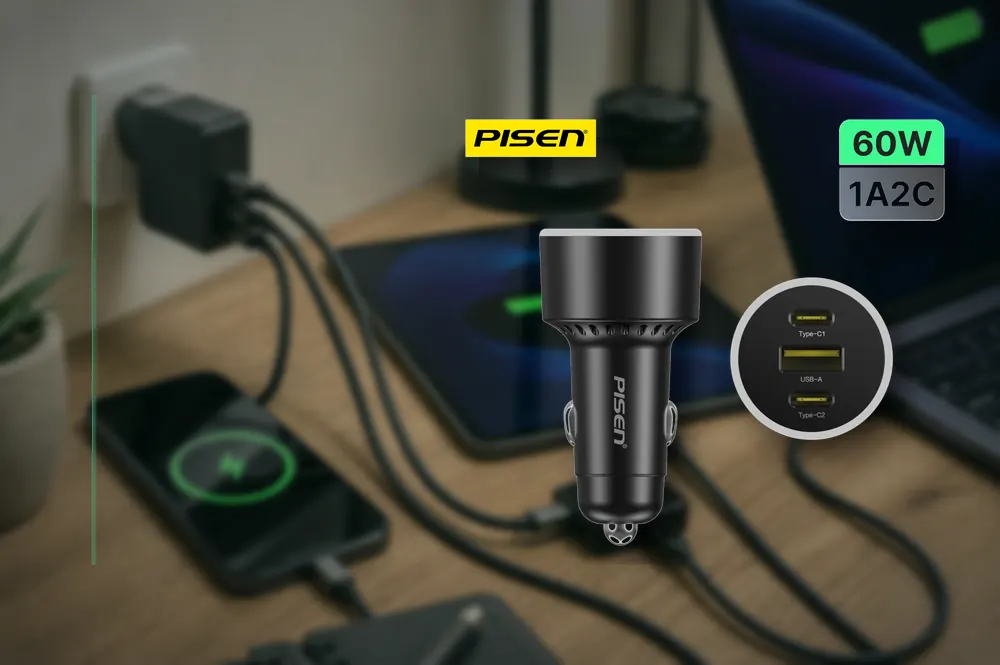
The current catalog example is PISEN 60W Multi-port Fast Charging Car Charger 2C1A (TP-C79/Black). Its published name identifies 60W, 2C1A. Those details are evidence for the selected version being discussed, but they never prove every unstated feature, protocol, certification or compatible device. Establish the active listing and packaging ahead of checkout, especially when a regional plug, device generation, connector revision or included accessory could change the measured response.
Save the adapter model, plug region and port layout with the order. Draw a small port map for the devices expected to connect at the same time. For PISEN 60W Multi-port Fast Charging Car Charger 2C1A (TP-C79/Black), the title supplies 60W, 2C1A; any per-port distribution still needs to be read from the present label or manual. This avoids treating total output as though it were available from every port simultaneously.
Compatibility is a chain, not a single label
A wattage label describes a maximum under compatible operating conditions; it is not a command sent continuously to every device. The source, cable and receiving device must agree on a usable profile. If one part of that chain has a lower limit, the charging result follows the lower limit. Battery temperature and state of charge can reduce demand even when all hardware supports a higher value.
Use the target device manufacturer’s documentation as the authoritative source for its input, connector and service work sequence. The USB-IF information about USB Power Delivery provides useful standards context. The NHTSA guidance on distracted driving adds a second reference for the relevant safety or interface question. An official source explains the standard; it does not certify a specific retail product unless that product is explicitly listed by the source.
Examine before fitting the item or first use
Look over the housing, ports, plugs, cable exits and labels before applying power. Look for cracks, bent contacts, exposed conductor, contamination or loose movement. Begin with one familiar test device and observe recognition, connection stability and temperature before adding another load. Stop if there is odor, arcing, recurring disconnecting or unusual heat.
Record the precise version, date, hardware used and measured result. A repair shop can add the job number; a retailer can note the supplier lot; an individual user can retain the order reference. Evidence tied to the documented item is more valuable than a broad quality claim and makes a subsequent fault easier to isolate.
Use a controlled commissioning check
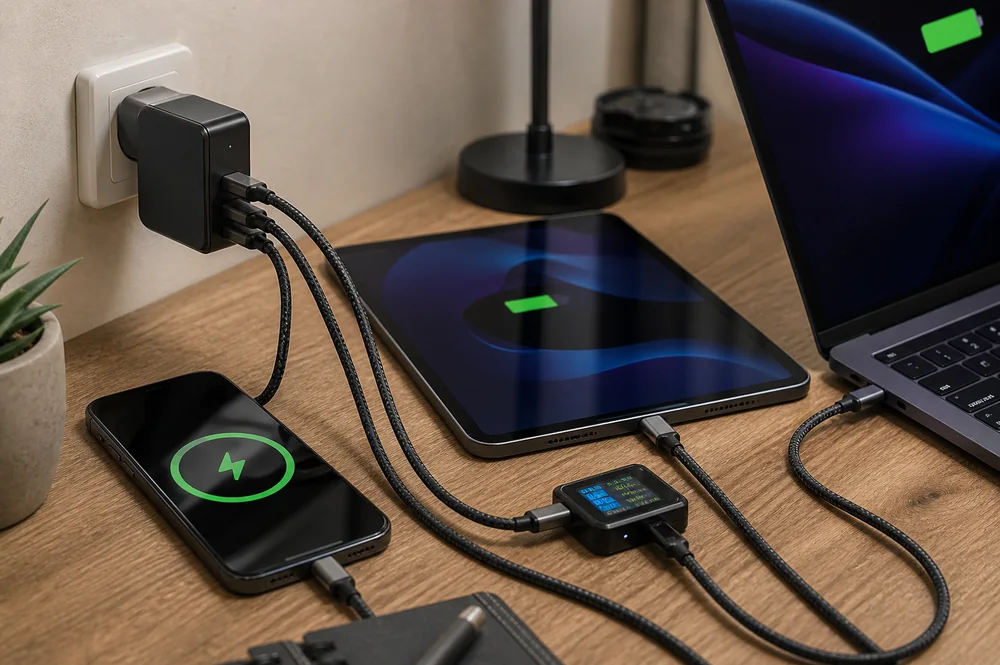
Connect the lowest-demand device first, verify stable charging, and then test the intended multi-device combination. Note which cable and port each device uses. Disconnect one device and observe whether the others renegotiate or briefly interrupt; that behavior matters on a shared desk even when each device charges correctly by itself.
Related technical context on this site includes Charging Cable vs. Data Cable: How to Tell the Difference and How Retailers Can Choose Fast Chargers with Lower Return Rates. The linked articles address adjacent decisions, while this guide remains responsible for the narrower question of 60W multi-port car charger. Holding those roles separate helps readers move from general principles to a model-specific checklist without repeating the same article under several titles.

Receiving checks for retailers and service teams
Keep the adapter ventilated and occasionally examine the plug blades, port fit and cable ends. A loose outlet, damaged cable or contaminated port can imitate a charger fault. Retail staff should label total output separately from individual-port behavior and should not promise a specific charging time without an exact-device test.
For 60W multi-port car charger, present PISEN 60W Multi-port Fast Charging Car Charger 2C1A (TP-C79/Black) by its model name and documented specifications, then explain how those facts relate to phones, tablets and navigation devices sharing vehicle power. Keep compatibility, performance, safety and durability claims limited to current documentation or repeatable checks.
Practical decision checklist
- List every device that may charge at the same time.
- Match each device to a suitable port and cable.
- Read per-port and shared-output information from available documentation.
- Test the planned combination, not one device only.
- Leave airflow around the adapter.
- Retire damaged plugs, ports or cables.
When to pause the decision
Avoid trying to order or install the 60W multi-port car charger while the specific model, interface or controlling specification remains uncertain. Request a clear label photo or published specification, then compare it with the actual device. A short delay is preferable to forcing a connection, accepting unstable fit or assuming that 60W, 2C1A guarantees a result that follows other parts of the system.
If the vehicle’s socket area has limited space, compare the fit checks for choosing a compact USB-C and USB-A car charger before finalizing the multi-device arrangement.
Conclusion
A well-chosen 60W multi-port car charger is one that solves the stated issue without creating a new compatibility or handling issue. Use PISEN 60W Multi-port Fast Charging Car Charger 2C1A (TP-C79/Black) as a traceable catalog example, verify the controlling device requirements, review the hardware item and complete a documented initial-use test. That process supports phones, tablets and navigation devices sharing vehicle power while keeping the recommendation grounded in evidence that a buyer or technician can verify.