







Cleaning a smartphone safely starts with its manufacturer’s instructions. A soft cloth can remove fingerprints, but the wrong solvent, too much liquid or a tool pushed into a port can damage coatings and components. This guide separates routine wiping, permitted disinfection, case care and problems that need service. It does not assume that one cleaning method is suitable for every phone, screen protector or case.
Read the instructions for your exact phone
Check the model’s care instructions before choosing a cleaning product. Materials differ: glass, coated displays, textured backs, leather accessories and folding screens may need different treatment. A method permitted for one surface may be unsuitable for another. If the display is cracked, the housing is damaged or liquid has already entered the device, postpone wet cleaning and ask the manufacturer or a qualified technician for advice.
For iPhone-specific instructions, use Apple’s guide to cleaning an iPhone. Galaxy owners can consult Samsung’s Galaxy phone cleaning guidance. These sources describe their own products; they should not be treated as permission to use the same chemical on every accessory.
Prepare the phone and work surface
Disconnect charging cables, headphones and other accessories. Turn the phone off, remove its case and work on a clean, stable surface. Wash and dry your hands so you do not transfer more dirt while cleaning. Keep a separate dry cloth nearby and move drinks, sprays and cleaning containers away from the device. Clean one item at a time rather than placing a wet case beside an uncovered phone.
Inspect the cloth before using it. Grit trapped in a cloth can scratch a surface even when the fabric is soft. Choose a clean, lint-free cloth and avoid abrasive pads, rough towels or paper products that shed fibers. Apply light pressure. If a mark does not lift easily, check the manufacturer’s permitted method instead of rubbing harder or scraping it with a fingernail or tool.
Remove fingerprints and loose dirt first
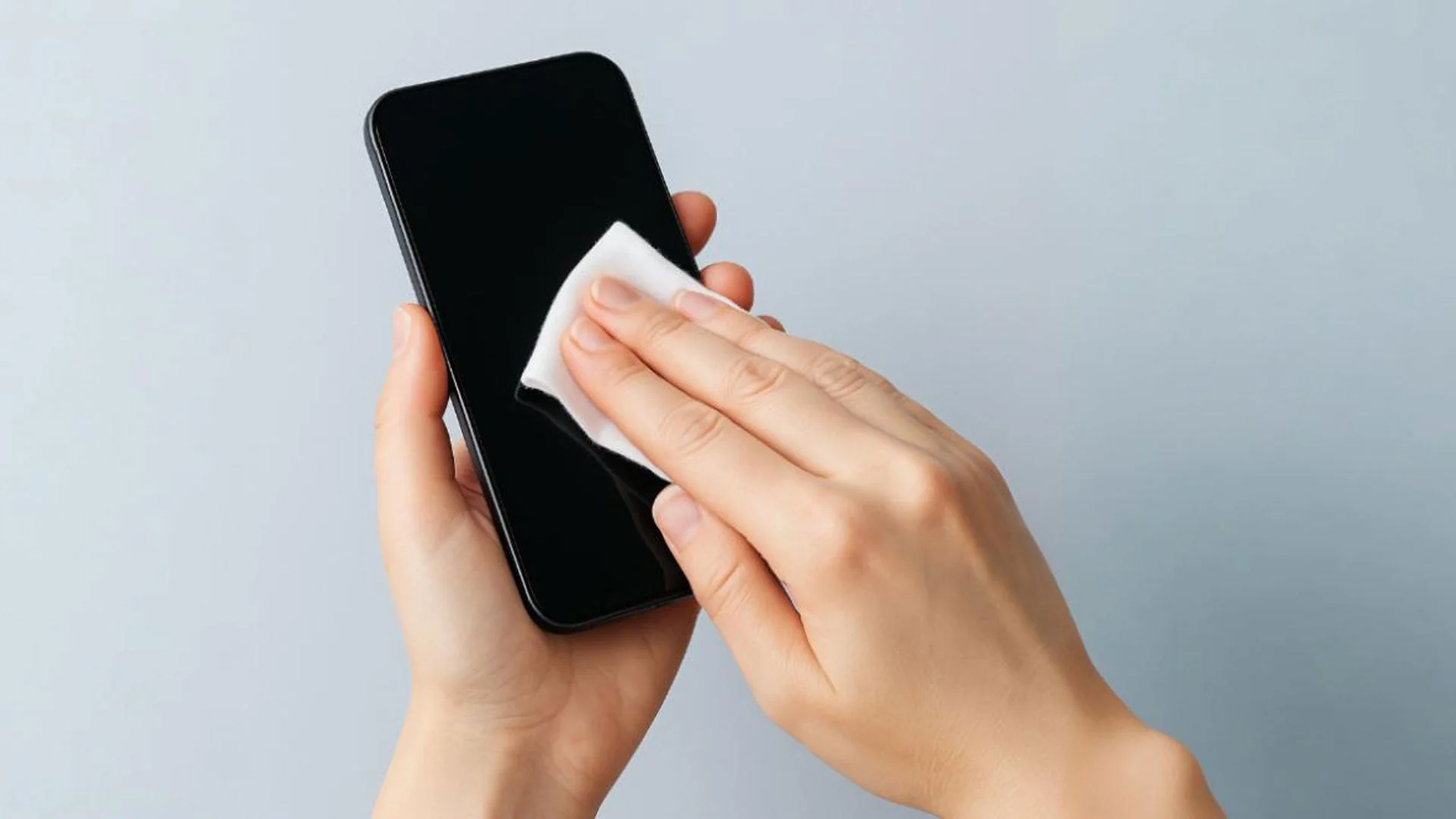
Start with a dry cloth on the screen, back and sides. Where the manufacturer permits moisture, use a cloth lightly dampened with water and keep liquid away from openings. The cloth should not drip. Wipe accessible exterior surfaces gently, then dry them. Never spray water or cleaner directly onto the phone: a fine mist can reach speaker grilles, microphones, buttons and connectors.
Routine wiping is different from disinfection. A visibly clean screen is not proof that it is sterile, and a disinfectant does not make dirt disappear without wiping. Avoid unsupported claims about a fixed bacteria count or guarantees against illness. Phone care is one part of general hygiene; washing hands and following relevant workplace health guidance still matter.
Use disinfectants only where the manufacturer allows them
Apple permits specified alcohol and disinfectant wipes on certain exterior iPhone surfaces, with restrictions described in its instructions. Read those restrictions and the wipe’s label. Do not infer that a bottle of concentrated alcohol, a household surface spray or a homemade mixture is equivalent. Other phone makers may specify different procedures, and an accessory supplier may prohibit alcohol on its coating.
Use the permitted wipe gently and keep moisture out of openings. Do not soak, immerse or saturate the phone. Avoid bleach, hydrogen peroxide, abrasive cleaners and unapproved solvents. Let the surface dry before reconnecting accessories or fitting the case. If a cleaning product has been used incorrectly, stop applying more liquid and seek model-specific advice rather than trying another chemical to reverse the result.
Treat cases and screen protectors as separate materials
Remove the case before cleaning it and check its supplier’s instructions. Some simple cases permit mild soap and water; leather, fabric, adhesive decorations, electronics and specialized finishes may not. Do not wash an accessory merely because it looks plastic. Dry any permitted washed case completely, including recesses and edges, before reinstalling it. Water trapped against the phone can enter openings or leave residue.
A tempered glass screen protector has its own coating and adhesive. Clean its surface gently and avoid lifting an edge to remove dirt underneath. A cracked or lifting protector may require replacement. A protector is not a disinfectant, and it cannot guarantee that a phone survives an impact. For available accessories, review the PISEN screen protector collection and confirm the exact model and care instructions.
Avoid pushing tools or liquid into ports
Exterior care does not require inserting a toothbrush, pin, swab or metal tool into a charging port. Contacts and nearby seals can be damaged. Do not use compressed air where the manufacturer prohibits it; Apple specifically advises against compressed air for cleaning an iPhone. Blow-drying, heating and blowing into an opening are also poor substitutes for an approved cleaning procedure.
If charging is intermittent or a connector does not seat properly, stop forcing it. A contaminated charging port is only one possible cause; the cable, connector or internal assembly may be damaged. Qualified inspection is preferable when debris is embedded, contacts look bent or the phone reports moisture. Do not keep charging a device while trying to clean the connection.
Choose a practical care routine
Wipe fingerprints when they interfere with visibility and clean obvious contamination promptly using a permitted method. The frequency depends on use and environment, rather than a universal weekly chemical treatment. A phone used at a dusty workbench has different exposure from one kept in a clean bag. Carry a clean cloth, keep the device away from food preparation and avoid sharing a dirty cloth between work areas.
Include cleaning in broader maintenance tips for extending a mobile phone’s lifespan: inspect cables, avoid excessive heat and deal with damage early. For a shared workplace device, document an approved method and provide suitable supplies so different users do not improvise conflicting treatments.
Check the result before reconnecting
Confirm that the exterior, case and connectors are dry, the screen protector has not lifted and no residue remains around openings. Turn the phone on and check normal touch and button operation. Persistent marks, audio problems, charging warnings or visible damage deserve inspection rather than more aggressive cleaning. The useful outcome is a clean, undamaged device maintained according to its own instructions.