







A retractable USB-C wall charger combines two items that are normally separate: the power adapter and a cable stored inside the housing. That arrangement can make a desk or travel kit easier to manage, but convenience is only one part of the decision. The device still has to support the charger’s available output, the cable must reach without being pulled tight, and the retracting mechanism must remain smooth after repeated use. This guide explains where the format is genuinely useful, where a separate cable remains the better choice, and what to inspect before relying on one every day.
What changes when the cable is built in?
A conventional charger lets the owner replace the cable independently, choose another length, or switch connector types. A retractable model trades some of that flexibility for a faster setup. The cable stays with the charger, is less likely to be forgotten, and can be shortened when the outlet is close to the device. Those benefits are most valuable when the same USB-C phone, tablet, handheld console, or small computer is charged repeatedly in predictable places.
The built-in mechanism also introduces a moving part. The cable passes through an opening in the housing and may be extended many times during its service life. Pulling at an angle, letting the connector snap back into the body, or using the cable under constant tension can accelerate wear. Buyers should therefore evaluate the storage mechanism and strain relief as carefully as the wattage printed on the charger.
Who gains the most from this format?
Frequent travelers often benefit because one less loose cable has to be packed and found at an airport, hotel, or shared workspace. A retractable charger can also suit a kitchen counter, reception desk, repair intake station, or bedside table where a long cable would otherwise remain coiled. For a retailer, it offers a clear use case: customers are buying organization and portability as well as charging power.
It is less suitable when several devices need different cable lengths, when a worn cable must be replaceable immediately, or when the outlet is too far from the normal charging position. A household with both USB-C and Lightning devices may still need an additional lead. A technician who frequently measures current with an inline meter may prefer a detachable cable because it is easier to insert test equipment into the charging path.
Understand the 30W label before buying
The charger in this example is rated at 30W, but that number does not mean every connected device will receive 30W continuously. Charging speed depends on the output profiles supported by the adapter, the power requested by the device, battery temperature, state of charge, and software-controlled charging behavior. A phone near full charge normally draws less power than it does at a lower state of charge. A laptop that expects more than 30W may charge slowly, maintain its level only under a light workload, or report that the power source is insufficient.
The USB-IF overview of USB Power Delivery explains how compatible devices and power sources negotiate available power. Before purchase, check the device manufacturer’s power-adapter recommendation and confirm that the built-in connector is USB-C. Do not infer compatibility from connector shape alone; USB-C describes a connector, while the supported charging behavior depends on both products.
Inspect the retracting cable and housing
Start with the cable fully retracted. The connector should sit without scraping against a sharp edge, and no copper or inner insulation should be visible. Extend the lead slowly and listen for rough movement. If the mechanism uses indexed stops, each stop should hold without the cable creeping back. Release it under control rather than allowing the connector to strike the housing.
During routine use, inspect the first few centimeters beside the connector and the section where the cable enters the charger. These are common bending points. Discontinue use if the insulation splits, the connector becomes loose, the housing cracks, charging repeatedly disconnects, or either end becomes unusually hot. A retractable design should reduce clutter, not encourage continued use of a damaged lead that would have been replaced if it were detachable.
Build a realistic charging routine
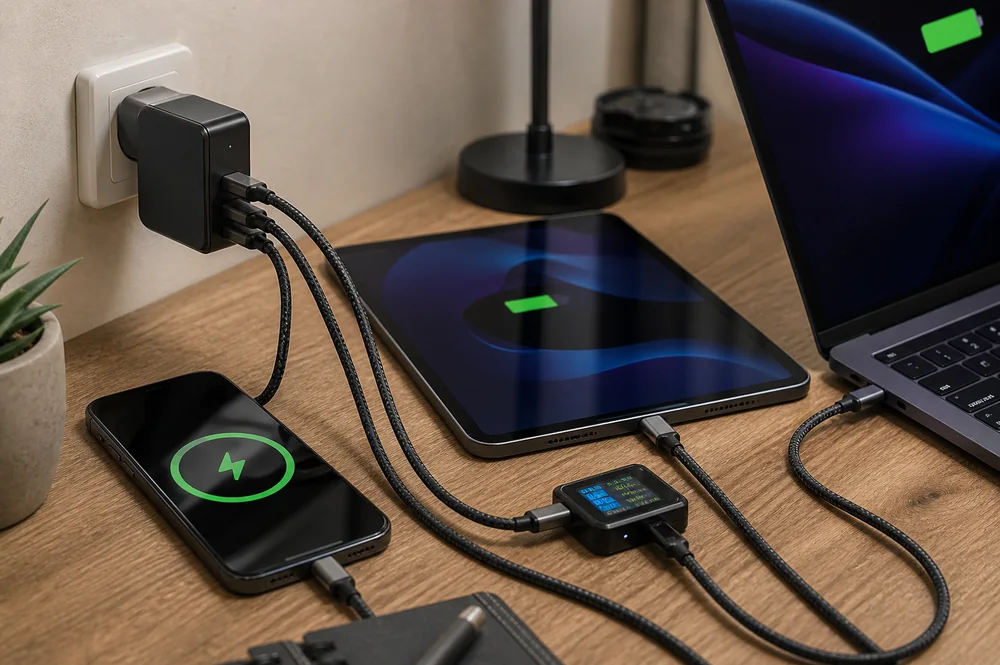
Place the charger where the cable reaches the device with slack. Avoid routing it across a walkway, pinching it behind furniture, or covering the adapter with bedding or clothing. Connect the charger directly to a sound wall outlet or a suitable power strip, then verify that the device recognizes charging. On the first few uses, check the adapter, cable and device for unexpected heat or intermittent connection.
For a broader explanation of adapter size and efficiency, read GaN vs. Traditional Chargers: What Is the Difference?. The cable remains part of the power path, so Charging Cable vs. Data Cable: How to Tell the Difference is also useful when comparing a built-in charging lead with detachable cables used for data transfer.
A current product example
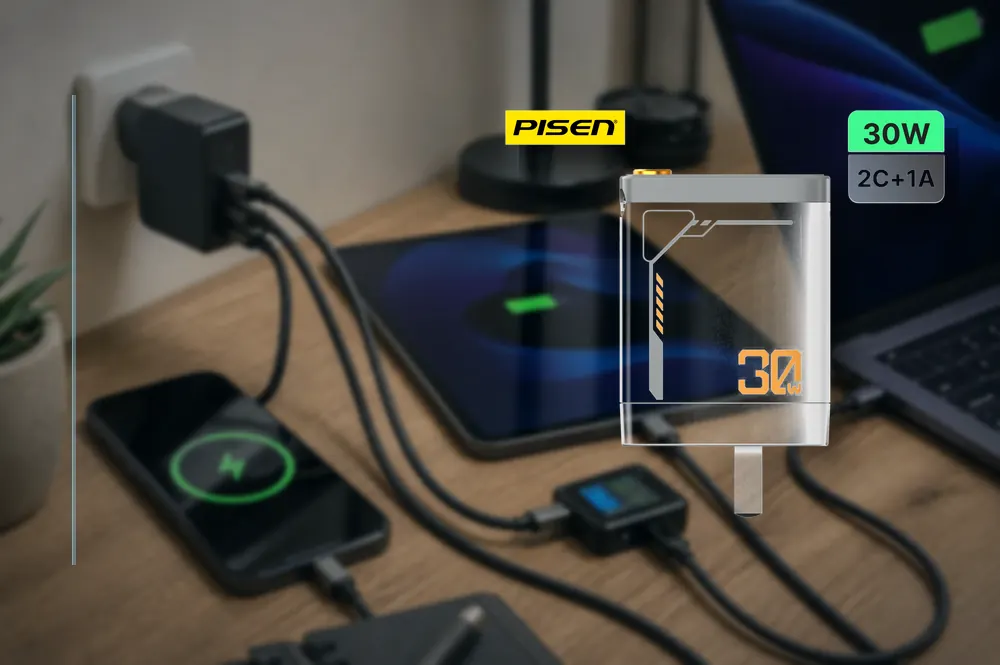
The 3C Easy catalog lists the PISEN 30W Gallium Nitride Retractable Cable Charger TP-C82. Its published title identifies the GaN format, 30W rating and retractable cable design. Use those details as a shortlist, then confirm the current product-page specification, plug type and device requirements before ordering. The listing should not be treated as proof that every USB-C device will charge at the same speed.

Retail and service checks
Retailers can reduce avoidable returns by labeling the connector type, maximum declared output, plug region and built-in cable length clearly at the point of sale. Staff should ask what device the customer plans to charge and whether a detachable cable is important. For wholesale receiving, inspect a sample from each lot, operate the retracting cable several times, check connector fit, and test charging with representative devices whose requirements are known.
Keep claims narrow and verifiable. Do not promise a specific time-to-percentage result unless the exact device, starting charge, temperature and test method are documented. Do not present the 30W label as universal output. Clear expectations are part of product quality because they help the customer choose the correct tool instead of returning a functional charger that was mismatched to the job.
Decision checklist
- Confirm that the primary device charges through USB-C and can use the available output.
- Check that 30W is appropriate for the device rather than simply choosing the highest visible number.
- Make sure the built-in cable reaches the normal charging position with slack.
- Inspect the cable exit, connector, housing and retracting action before first use.
- Choose a detachable-cable charger if easy cable replacement or multiple lengths are priorities.
- Stop using the charger if damage, repeated disconnects, odor or unusual heat appears.
For a portable device with a similar cable mechanism, compare retractable-cable power bank wear points and inspection. Each product still needs its own documented limits and condition checks.
Conclusion
A retractable USB-C wall charger is most useful when portability and tidy storage matter more than cable interchangeability. The right decision comes from matching the declared power to the actual device, checking cable reach, and treating the retracting lead as a wear component that needs inspection. Used in the correct setting, the format can simplify a travel or desk kit without turning convenience into a compatibility compromise.