







True Tone adjusts a compatible iPhone display’s appearance to surrounding light. After a screen replacement, its availability and behavior can depend on the phone model, display assembly, associated components and supported repair completion process. A screen showing an image does not prove that True Tone or every other display function works. Check the exact repair configuration instead of promising the feature for all aftermarket screens.
Separate True Tone from ordinary brightness control
True Tone changes display color and intensity in response to ambient conditions on supported devices. It is different from manually moving the brightness slider, enabling Night Shift or selecting a dark appearance. A customer reporting a warmer or cooler image may be noticing one of several settings or characteristics. Record the setting and symptom before assuming the replacement assembly has failed.
Check the manufacturer’s instructions for the exact model and software version. Apple’s guidance on genuine iPhone displays describes potential display and feature differences after a nongenuine replacement. That information provides context; it does not establish that every third-party assembly has the same limitation or that every reported symptom has one cause.
Document the phone before disassembly
Where the original display still works, record its relevant settings and observed behavior before the repair. Confirm the exact iPhone model and note any existing display, sensor or touch problems. A feature that was already absent should not be represented as a newly caused fault without evidence. Obtain the customer’s agreement on the intended repair and disclose known limitations.
Follow a model-specific repair procedure, protect customer data and use qualified personnel. Do not disassemble a device merely to check a software setting. Physical damage, previous repairs and incomplete service history can complicate diagnosis. Keep these uncertainties in the job record so the technician completing the work understands the starting condition.
Ask the supplier about the exact assembly
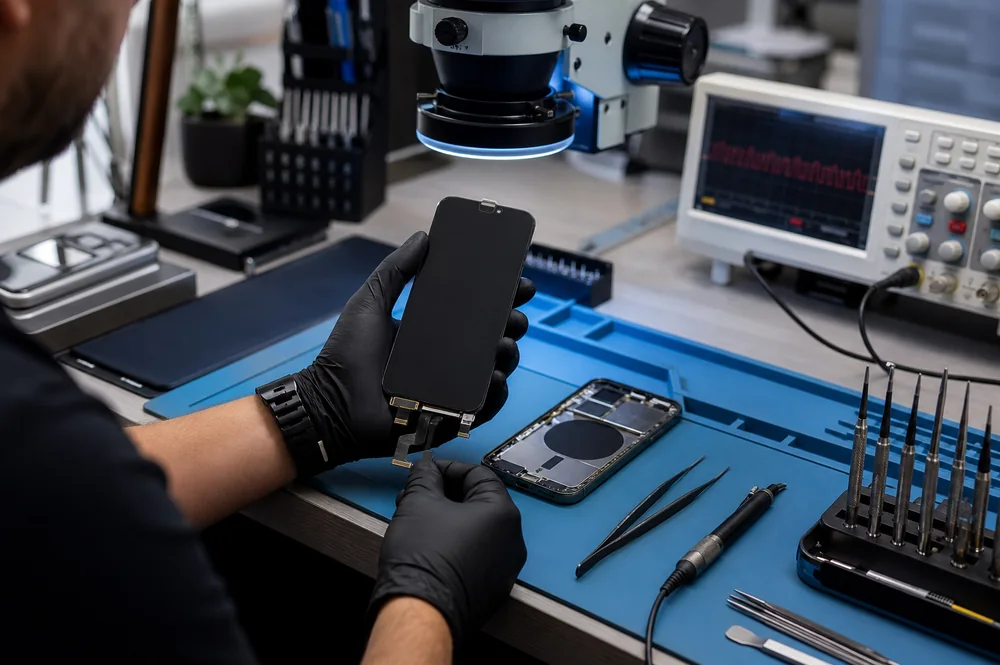
Terms such as Incell, hard OLED and soft OLED describe display technologies, not a complete True Tone compatibility statement. Ask which phone model, assembly revision and repair process the supplier’s claim covers. Request current documentation and distinguish a verified function from an assumption based on a similar product. A screen for another model is not a substitute.
The 3C EASY-New Phone Screen Replacement IXR (Incell/Black) and 3C EASY-New Phone Screen Replacement I13 Pro Max (Incell/Black) illustrate different model listings. Their names alone do not establish identical calibration requirements or True Tone support.
Likewise, check the current documentation for the 3C EASY-New Phone Screen Replacement I14 Pro Max (Soft OLED/Black) and 3C EASY-New Phone Screen Replacement I Air (Soft OLED/Black). No catalog example here is a guarantee of a particular feature on an unverified repair.
Do not treat copied display data as a universal solution
Some repair workflows involve display-related data or specialized equipment. The relevance of those methods depends on the model and assembly. Do not assume that transferring a data value establishes genuine-part status, reproduces factory calibration or restores every feature. A tool reporting a successful operation does not replace functional checks on the completed phone.
Use only an appropriate, documented service process. Unsupported copying or component work can introduce additional problems and may not address the actual cause. If the supplier cannot explain a compatibility claim clearly, resolve that uncertainty before sale. Avoid advertising a guaranteed True Tone restoration based solely on the availability of a programming tool.
Check supported repair completion requirements
Apple’s supported repair resources and completion procedures vary by model, part and region. Consult the Apple Self Service Repair information for current resources and eligibility. Do not imply that an official completion process supports any aftermarket assembly or that a software update will necessarily remove a warning.
A repair history message, a calibration requirement and an observable display fault are separate observations. Record each accurately. Explain what remains unresolved without claiming that a warning is meaningless or that it automatically proves the phone is unsafe. The relevant manufacturer’s current guidance should control the explanation.
Inspect related components without unnecessary transfers
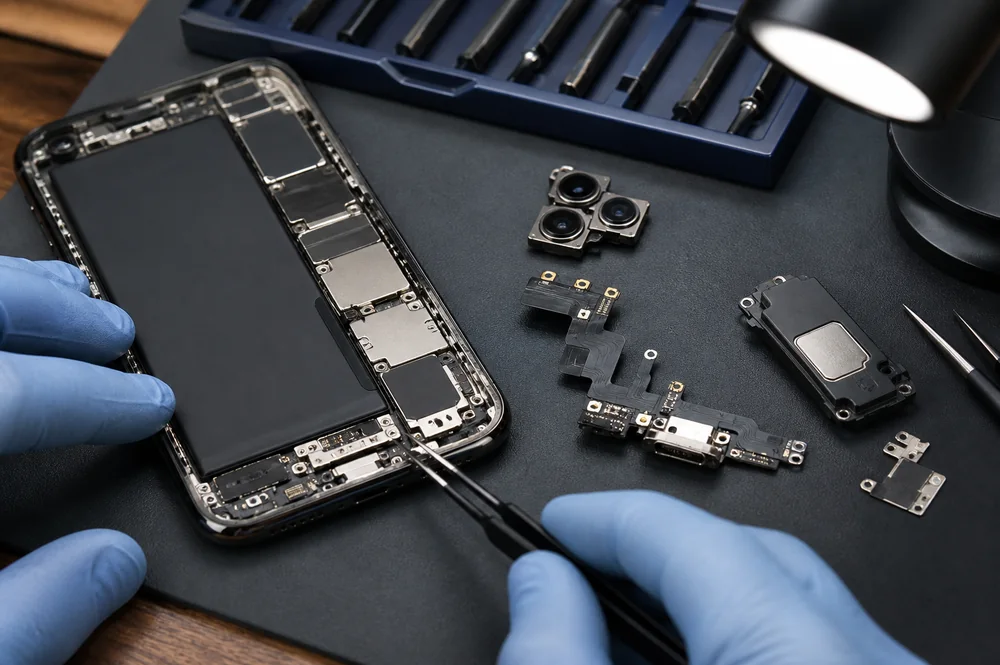
Ambient sensing and associated components may affect display behavior. Inspect the parts relevant to the exact model using the approved procedure. A displaced, damaged or obstructed component can produce a symptom that cannot be diagnosed from the replacement panel’s grade alone. Keep transferred assemblies and small parts organized, and do not force connectors or improvise a transfer.
Biometric and sensor functions deserve particular care because an incorrect intervention can affect other features. A general article cannot provide one safe transfer sequence for every iPhone generation. Escalate uncertain work to a technician with the correct procedure and equipment rather than experimenting on a customer’s device.
Verify the completed repair under ordinary lighting
Check whether the relevant setting is available and observe display behavior under ordinary lighting conditions. Also test touch response, brightness controls, visible defects and functions affected by the repair. Avoid interpreting a camera photograph as a calibrated display measurement: exposure, white balance and the viewing screen can alter its appearance.
If a discrepancy remains, compare the job’s starting condition, installed assembly and documented procedure. Preserve diagnostic notes and supplier information for follow-up. Do not repeatedly replace screens without investigating the cause. A clear record can distinguish a part limitation from a setup problem or pre-existing device fault.
Give the customer a precise handover explanation
For a repair business, keep the assembly identity, supplier lot, phone model and observed results together in the service record. Record a customer’s reported color difference separately from the technician’s findings. Where a supplier accepts a return, provide that evidence rather than describing every display concern as “True Tone failure.” Consistent records make later comparisons between assemblies more meaningful and reduce the risk of replacing a suitable part without identifying the underlying problem.
State which assembly was fitted, which functions were checked and which limitations remain. Do not guarantee original behavior or future software compatibility without evidence. The useful purchasing decision is model-specific: a documented assembly, a suitable repair procedure and verified results on the actual device provide a stronger basis than a blanket promise about aftermarket True Tone support.