







A fast charger cannot make every USB-C cable charge a device at its maximum speed. The result depends on the power source, cable, receiving device, supported charging profiles and conditions during the session. A slow result can be normal near a full battery or can indicate a mismatch or damaged connection. Diagnose those possibilities separately before buying a higher-wattage adapter.
Start with the device’s charging requirements
Identify the exact phone, tablet or laptop and read its supported wired charging requirements. A USB-C connector does not establish a universal charging speed. Some devices require particular USB Power Delivery profiles or another supported charging system for their highest advertised rate. If the source does not provide a compatible profile, the device may charge at a lower supported level.
The USB-IF USB Power Delivery information explains the standards background. The device requests supported power; the charger does not continuously force its maximum rating into the battery. A 100W adapter is therefore not a promise that every connected phone will receive 100W.
Check which charger port is being used
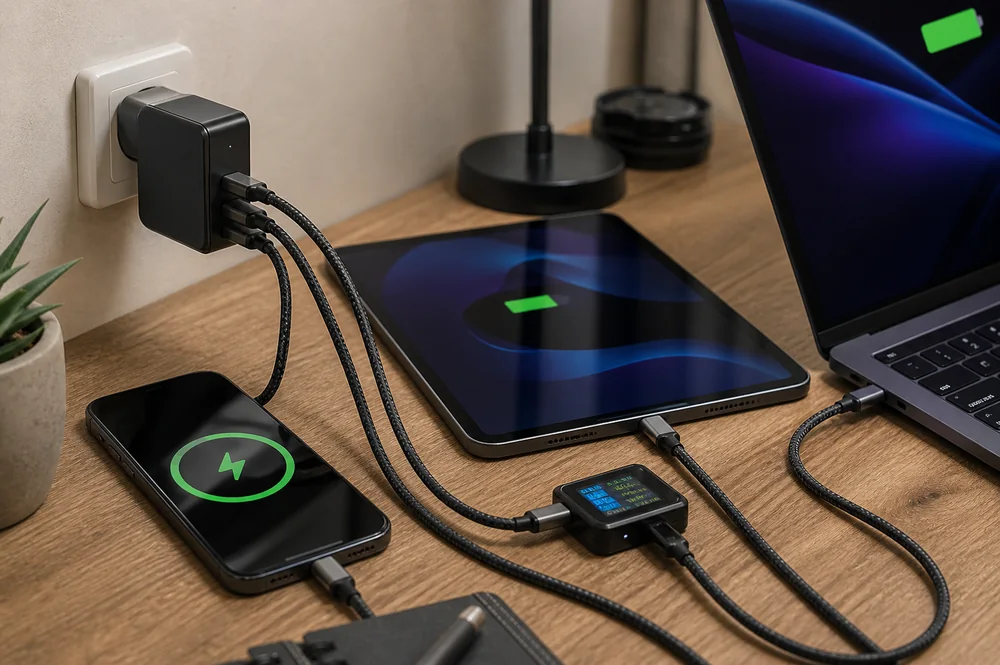
Read the charger’s output table for the intended port and number of connected devices. A multi-port charger can advertise a combined maximum while allocating less power to an individual output. Connecting another device may change that allocation. Test the device on its intended port with other outputs disconnected before comparing one cable with another.
For example, the PISEN 140W GaN Magnetic Wireless Charging MagStation 8-in-1 Socket Set KF27 needs a model-specific output check, just like any combined charging station. Read how multi-port chargers distribute power when the symptom appears only after another device connects.
Identify the cable’s current and power capability
Check both connector ends and the cable’s documented rating. USB-A to USB-C and USB-C to USB-C cables do not establish the same charging arrangement. Within USB-C cables, supported current, voltage and power capabilities also vary. Do not assume that a thicker jacket, braided covering or a familiar connector shape establishes the required electrical capability.
The PISEN IceLink Series 60W Type-C to Type-C Charging Cable LT-CC28-1200 is a listed cable to evaluate against the required role. Its title does not establish suitability for every laptop or every data task. A cable with electronic identification still needs the correct rating and construction; an identification chip alone is not proof of every advertised capability.
Use the USB-IF USB Type-C specification resources for interface context. Keep charging capability separate from data speed and display output. A cable can support useful charging while offering a different data capability from another cable of the same apparent size.
Account for resistance, cable length and connectors
Resistance in the cable and contacts causes voltage drop and heating as current flows. Length, conductor design and connection condition all matter. A well-designed long cable can work properly within its rating, so length alone is not a defect. However, a damaged connector or poor contact can make performance intermittent even when the cable’s printed rating appears adequate.
Inspect for exposed wiring, bent contacts, loose connectors and stressed strain reliefs. Stop using a cable that becomes unusually hot at a connector, disconnects repeatedly or shows physical damage. Do not force a plug into a contaminated or damaged port. An extension or adapter adds another connection and should be assessed separately rather than hidden inside the comparison.
Control battery level and temperature during comparison
Charging power normally changes during a session. A device near full charge may request less power than it did at a lower battery level. Heat, battery protection settings and optimized charging can also reduce or pause charging. A slower reading under those conditions does not by itself prove the cable is defective.
Compare cables using the same device, charger port and similar battery level and room conditions. Reduce demanding apps and allow an unusually warm device to cool naturally. Do not bypass thermal protection, chill a hot device abruptly or keep repeating a test after a temperature warning. Record the starting conditions so the result can be interpreted later.
Change one component at a time
Begin with a known compatible charger and cable. Confirm stable charging, then substitute only the cable under investigation. If the problem follows the cable, inspect that cable further. If several suitable cables show the same symptom, check the charger, device settings and port. Replacing the charger and cable together may restore charging without revealing which component caused the problem.
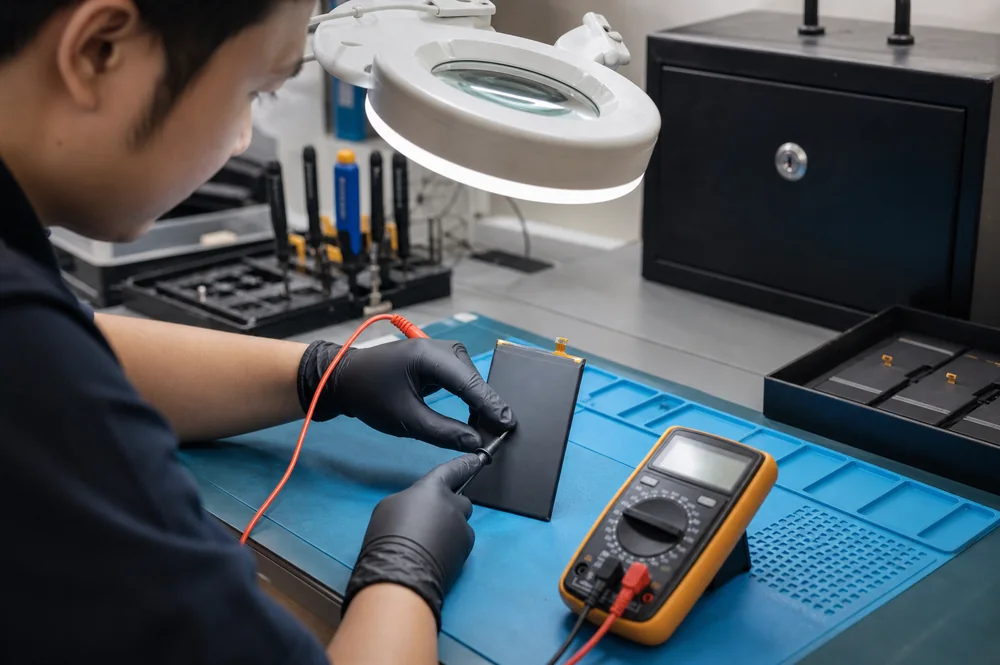
A USB power meter can help only if it supports the charging profiles and power level being tested. The meter can itself affect negotiation or introduce another connection. Its input reading also does not directly measure energy stored in the battery. Treat the measurement as one observation alongside device behavior, documentation and safe inspection.
Compare adapters after diagnosing the requirement
The PISEN BOLT Lite 30W 1-Port GaN Fast Charger TP-C62 and PISEN Pro PD45W Fast Wall Charger (2C)(US) TS-C152 illustrate different listed arrangements. The PISEN Global Travel 100W 5-Port GaN Fast Charger TP-C95 adds another multi-port comparison. Confirm current specifications before deciding which matches the device.
Keep a useful diagnostic record
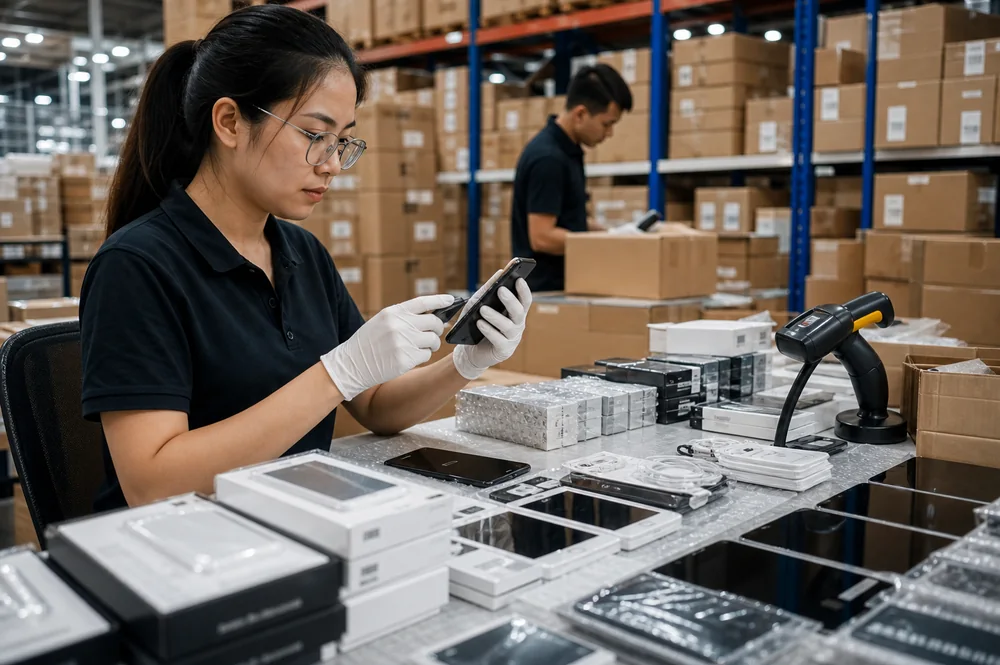
For a retailer testing incoming cables, retain the supplier lot and the exact rating under test. Test charging separately from any claimed data function, because a successful charge does not establish file-transfer speed or video support. Compare a suspected unit with a known compatible reference under the same conditions. A single quick plug-in check may miss an intermittent fault that appears during ordinary use.
Explain the diagnosis in plain terms when advising a customer. “The phone reduced its charging demand near full” differs from “this cable repeatedly disconnected on the same verified setup.” That distinction helps avoid unnecessary purchases and unsupported defect claims. Keep unverified performance promises out of shelf labels, especially when different versions of a similar-looking cable are stocked together.
Record the device model, battery level, charger port, cable identity and whether other devices were connected. Note stable operation, interruptions and unusual heat rather than promising one universal charging time. Replace confirmed damaged equipment and seek service for a suspect device port. The right solution follows the limiting component and operating conditions, not simply the largest wattage available in the catalog.