










Pass-through charging means a power bank can receive power from a charger while supplying power to another device. It can reduce the number of wall outlets you need, but it is not a standard feature of every power bank. A USB-C input, several output ports, or a high wattage rating does not establish support. Before connecting both sides, check the instructions for the exact model and revision.
The practical answer to whether it is safe is conditional: use simultaneous input and output only when the manufacturer explicitly permits that configuration, with the specified charger, cables, load and operating conditions. If the documentation is silent, charge the power bank and the phone separately. This guide explains what to check without claiming that any unverified model supports pass-through operation.
What happens between the charger, battery and phone?
There are two separate connections: the charger supplies the power bank, and the power bank supplies the phone. The internal electronics decide how available power is distributed. Depending on the design, the phone may take priority, battery charging may slow or pause, or output may be restricted while input is connected. Do not assume that electricity always bypasses the battery or that the battery necessarily charges and discharges simultaneously.
For illustration, a charger delivering 18 watts cannot continuously supply a 20-watt phone load and also recharge the power bank without another energy source. Conversion losses reduce the usable power further. Depending on its design, a supported power bank may reduce output, draw on stored energy or suspend charging. These numbers explain the power budget; they are not specifications for a listed product.
USB Power Delivery support is not proof of pass-through support
USB-IF USB Power Delivery information describes negotiated power levels, power direction and power management. Those capabilities explain communication between compatible devices. They do not establish that a particular power bank accepts input and delivers output concurrently, or which port combinations its manufacturer allows.
Check three separate specifications: maximum input, maximum output, and the permitted output while charging. The last value may be lower than the headline rating. Also check whether connecting another device changes power allocation. Built-in cables improve convenience, but they do not prove simultaneous charging support; our guide to power banks with built-in cables covers that separate purchasing consideration.
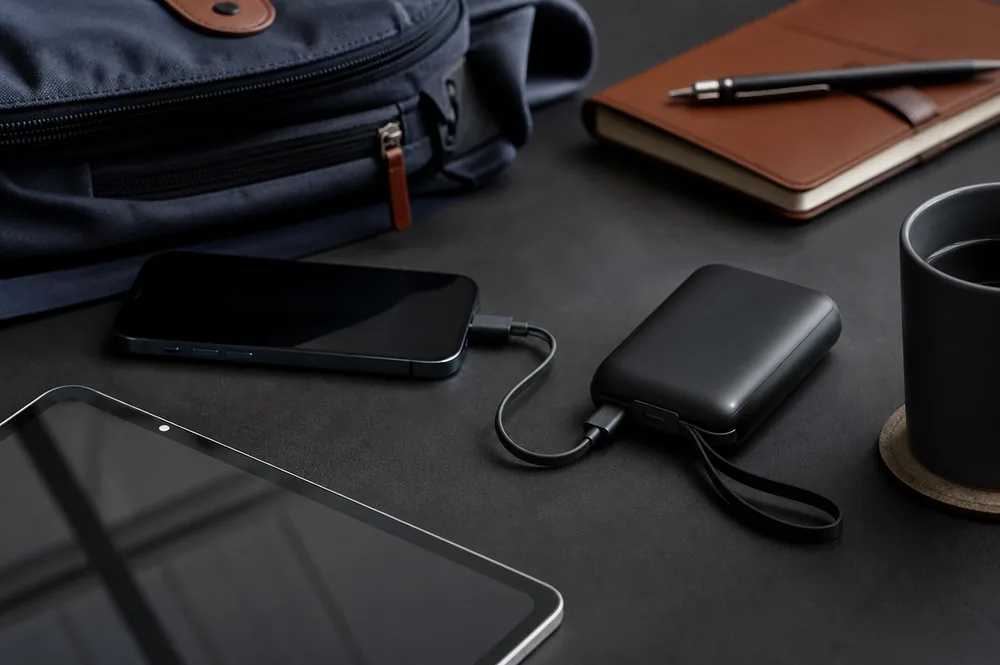
The documentation to request before using this feature
Look for an explicit statement about simultaneous input and output in the manual or obtain written confirmation from the manufacturer for the exact model. A demonstration video or a phone charging icon is not a substitute. A configuration that appears to work briefly may still be unsupported, restricted to a different port, or outside the intended continuous operating conditions.
- Which port receives power, and which ports may supply it at the same time?
- Which charger profiles and cable ratings are required?
- What is the total output limit during pass-through operation?
- Are wireless charging or integrated cables supported in that mode?
- What temperature, duration or supervision restrictions apply?
- Does the manufacturer permit continuous use, rather than occasional charging?
For a retail or wholesale order, retain that answer with the model number and manual version. Do not apply confirmation for one model to a visually similar unit or another capacity in the same product family. If the supplier cannot answer, avoid advertising the feature.
Heat and physical condition determine when to stop
Charging the internal battery and powering another device can create heat in the cells, connectors and power-conversion circuitry. How much depends on the design and load. Provide ventilation, keep the unit uncovered, and follow the manufacturer’s temperature limits. Do not place it under bedding, in direct sunlight, or inside a hot parked vehicle. A surface that feels merely warm is not a reliable measurement of internal cell temperature.
The U.S. Fire Administration battery fire safety guidance advises stopping use when a lithium-ion battery develops an odor, excessive heat, deformation, leaking, unusual noises or a color change. Do not continue a test to see whether a damaged battery recovers. If it smokes or catches fire, move away and contact emergency services; do not handle it.
A supported connection is not automatically a UPS
Pass-through charging and uninterruptible power are different requirements. A power bank can briefly interrupt its output when a charger is connected or removed, or when power is renegotiated. That interruption may be inconsequential for a phone with its own battery but can restart a router, camera or other device without independent power.
Do not rely on an ordinary power bank for medical equipment, alarms or other safety-critical loads. If uninterrupted operation is required, choose equipment documented for that purpose and check its transfer behavior, voltage, connector polarity and continuous output against the connected device. A single successful unplugging test does not certify long-term reliability.
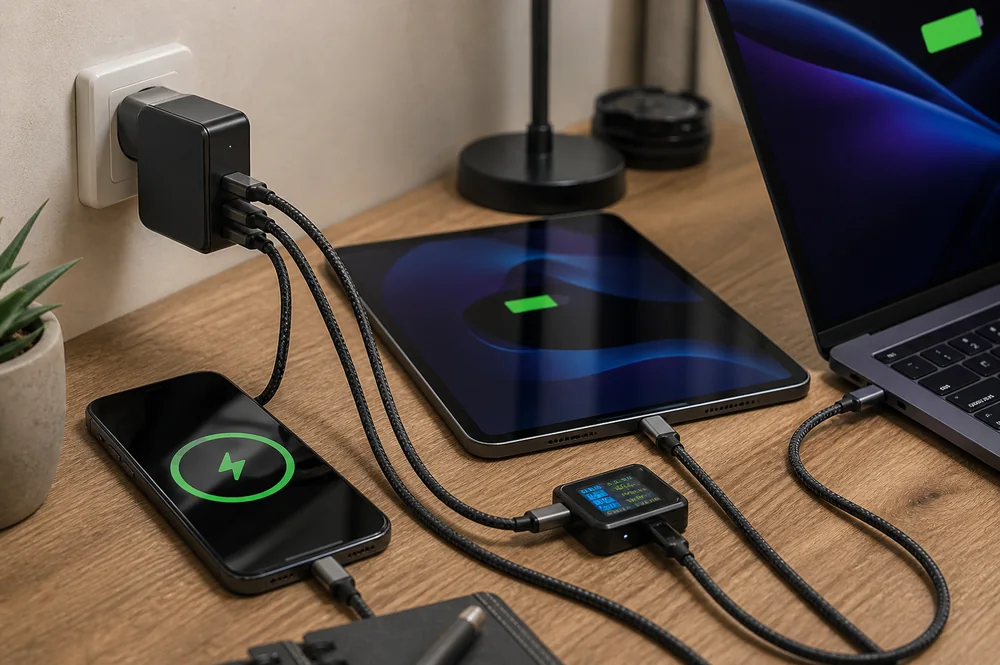
How to compare the 3C Easy catalog without assuming support
Listings such as the PISEN TP-D239 retractable-cable power bank and the PISEN BOLT TP-D106 power bank provide starting points for comparing format, capacity and stated output. Their inclusion here is not a claim that either supports pass-through charging. Request model-specific confirmation before buying for that purpose.
Compare the complete setup, not just the power bank: wall charger, cables, connected devices and simultaneous output limits. A separate multiport charger may be simpler when wall power is available. Keep the power bank for portable use if that better matches the documented operating conditions.
Record the setup instead of promising universal results
When a supplier documents support, record the charger model, cable, connected device, port combination and starting battery level used for the initial check. Note interruptions or changes in the charging indication. Do not open the enclosure, probe battery terminals or bypass a protection feature to investigate an unstable setup. Ask the manufacturer for guidance instead. A retailer should describe only the documented configuration, not promise that every phone, laptop or charger will behave identically. Keep any observations separate from certified laboratory results and from the manufacturer’s formal specifications.
A short decision rule
First confirm documented support. Then check the permitted connections and power budget, inspect the equipment, and follow the specified operating limits. Stop if there is damage, abnormal heat or unstable charging. If support is unconfirmed, separate charging is the appropriate default. Convenience should never depend on guessing what the internal circuitry can safely do.