






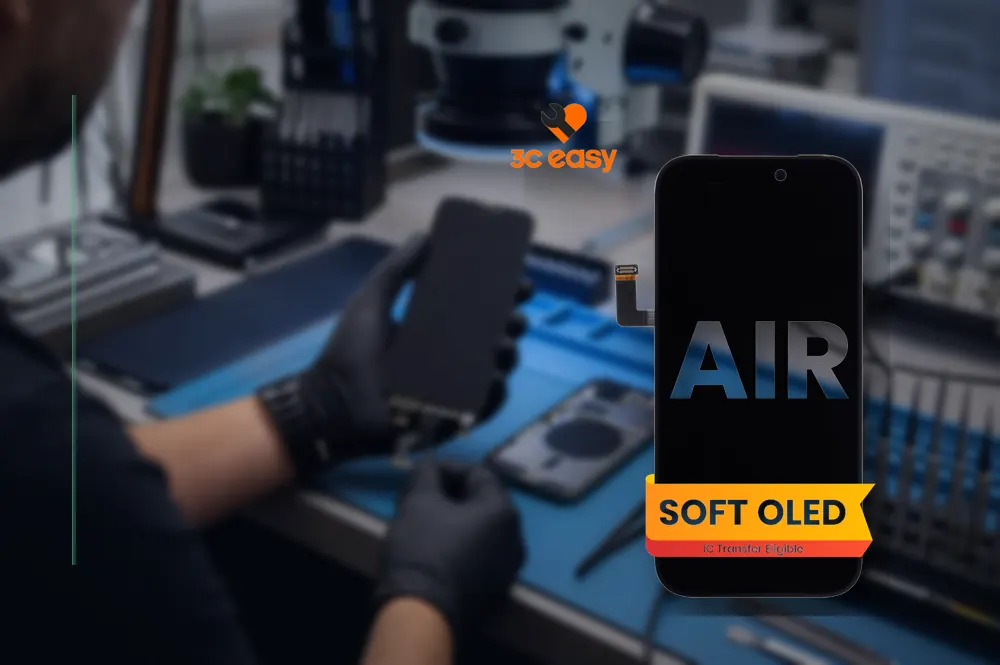
The main reason to consider a iPhone Air Soft OLED replacement screen is supporting a thin assembly and avoiding flex stress. Reaching that result requires more than matching a familiar connector or the largest number on a package. A dependable decision combines the unit under review’s declared identity, the receiving device or installation point, careful hands-on inspection and a repeatable commissioning check.
Turn the use case into a checklist
The intended result is supporting a thin assembly and avoiding flex stress. Record the devices involved, connector or mounting interface, expected duration, working environment and any limitation that cannot change. This prevents a convenient feature from distracting from a basic mismatch. For business purchases, include who will install or use the item and how a return will be diagnosed.
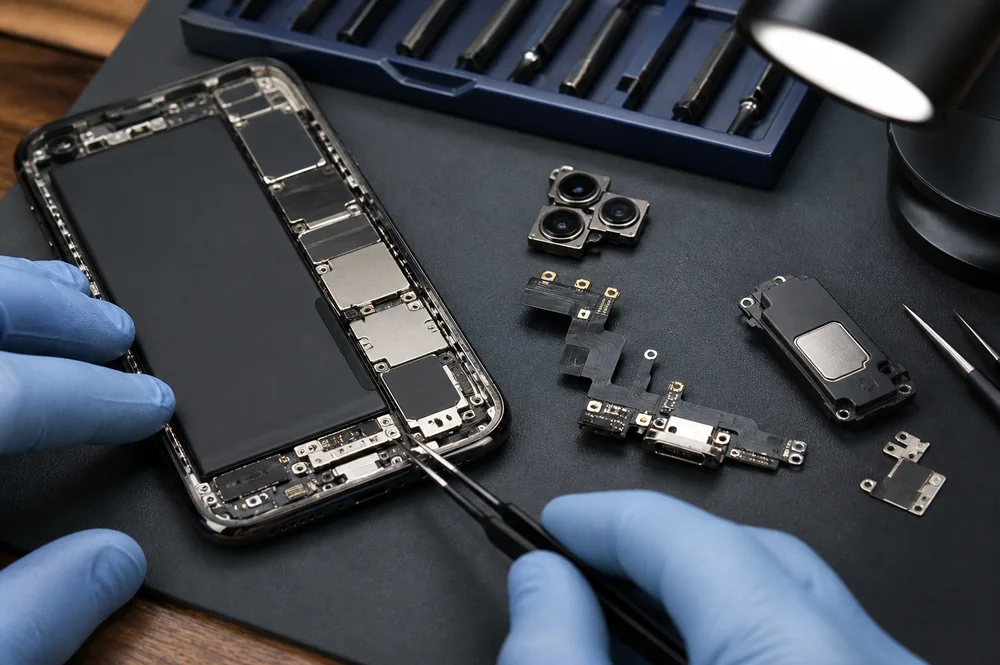
Prepare a protected bench, organize screws by position and compare the replacement with the original assembly before disconnecting more parts. A component that appears similar can differ in connector position, flex routing, sensor arrangement or frame geometry. Pre-installation evaluation reduces the chance that a compatibility mistake is discovered only after reassembly.
What the published listing actually establishes
The published catalog example is 3C EASY-New Phone Screen Replacement I Air (Soft OLED/Black). Its published name identifies the correct version and connector information. Those details are evidence for that model being discussed, but they avoid trying to prove every unstated feature, protocol, certification or compatible device. Verify the live catalog entry and packaging prior to purchase, especially when a regional plug, device generation, connector revision or included accessory could change the measured response.
Create a job sheet with the connected equipment identifier, original symptom, cosmetic condition and the part selected. Compare 3C EASY-New Phone Screen Replacement I Air (Soft OLED/Black) with the removed assembly before transferring brackets, seals or sensors. Photograph flex routing and screw positions so the final assembly can be checked against a known reference.
Compatibility is a chain, not a single label
The replacement should be judged by the original complaint and by nearby functions that could be disturbed during service. A successful test is broader than seeing the screen light, hearing one tone or observing one charging icon. Use a written sequence and repeat it after working assembly so intermittent connectors and routing problems are more likely to appear.
Use the target device manufacturer’s documentation as the assembled authority for its input, connector and service work sequence. The Apple Self Service Repair resources provides useful standards context. An official source explains the standard; it does not certify a specific retail product unless that product is explicitly listed by the source.
Look over during the pre-installation make sure or first use
Under good light, examine glass, frames, flex cables, connector contacts, adhesive surfaces and protective films. Refrain from attempting to install a part with a torn flex, bent contact, chipped edge or contamination near an optical or sensor area. Connect and test the replacement before final adhesive or sealing whenever the repair method allows. Record the original fault and the final behavior so a later problem can be separated from the pre-existing condition.
Record the named unit, date, hardware used and measured result. A repair shop can add the job number; a retailer can note the supplier lot; an individual user can retain the order reference. Evidence tied to the precise item is more valuable than a broad quality claim and makes a future complaint easier to isolate.
Use a controlled initial-use test
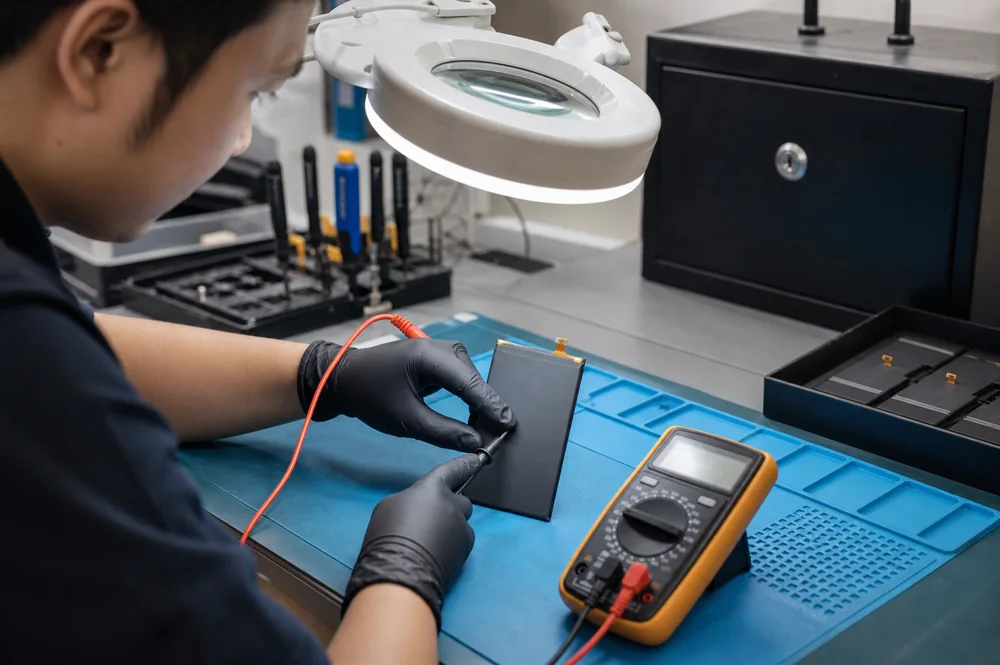
Bench-test the replacement before permanent adhesive whenever the service sequence permits. Then test the original complaint plus charging, touch, display, cameras, audio, buttons, sensors and wireless functions that may have been disturbed. Record any pre-existing failure as an alternative to attributing every result to the new part.
Additional site guidance on this site includes What Causes Black Spots, Lines and Flickering on Replacement Screens? and Incell vs. Hard OLED vs. Soft OLED: Which iPhone Replacement Screen Is Best?. Those two guides address adjacent decisions, while the present article remains responsible for the narrower question of iPhone Air Soft OLED replacement screen. Maintaining those roles separate helps readers move from general principles to a catalog option-specific checklist without repeating the same article under several titles.
Receiving checks for retailers and service teams
After reassembly, watch for pressure marks, intermittent connectors, abnormal heat, rapid battery change or sensor behavior that differs with movement. Repair businesses should describe aftermarket or replacement parts accurately and avoid promising original-manufacturer behavior that has not been verified for the documented assembly.
For iPhone Air Soft OLED replacement screen, present 3C EASY-New Phone Screen Replacement I Air (Soft OLED/Black) by its model name and documented specifications, then explain how those facts relate to supporting a thin assembly and avoiding flex stress. Keep compatibility, performance, safety and durability claims limited to current documentation or repeatable checks.
Practical decision checklist
- Verify the specific device model and original symptom.
- Compare connectors and flex routing ahead of assembly.
- Test the part before working adhesive when possible.
- Review nearby functions affected by disassembly.
- Use new seals or adhesive where the procedure requires them.
- Document the assembled result and any remaining limitation.
When to pause the decision
Do not order or install the iPhone Air Soft OLED replacement screen while the correct model, interface or controlling specification remains uncertain. Request a clear label photo or current specification, then compare it with the actual device. A short delay is preferable to forcing a connection, accepting unstable fit or assuming that the selected version and connector information guarantees a result that is governed by other parts of the system.
Conclusion
A well-chosen iPhone Air Soft OLED replacement screen is one that solves the stated issue without creating a new compatibility or handling issue. Use 3C EASY-New Phone Screen Replacement I Air (Soft OLED/Black) as a traceable catalog example, verify the controlling device requirements, review the visible item and complete a documented controlled startup test. That process supports supporting a thin assembly and avoiding flex stress while keeping the recommendation grounded in evidence that a buyer or technician can verify.